01→
You say it.
Speak naturally, type it, and attach up to five photos to one task while you’re in the moment.
PrincipalGO™ — Your on-the-go command center for school leadership
PrincipalGO is your on-the-go command center for school leadership. Built for principals and assistant principals, it brings voice-first task capture, delegation and productivity tools together so you can stay present for the people in front of you.
Live beta with a small TK–12 design-partner cohort
Speak naturally or type it. Add a photo if it helps. Press or say GO to set the task in motion.
Tomorrow →
Deadline: Today. Gmail marked this conversation important.
Add to My GO ListSpeak naturally or type it. Add a photo if it helps. Press or say GO to set the task in motion.
Tomorrow →
Tell GO.
Put it in motion.
Let it go.
How GO works
Speak naturally, type it, and attach up to five photos to one task while you’re in the moment.
The next move is documented before it disappears into the day.
Delegate, schedule, surface, or hold it for your attention.
Stay present, knowing the follow-through is documented.
Less to remember. More time to lead.
Try the workflow
Experience a guided preview of how PrincipalGO captures what needs to happen and decides where the next move belongs.
Choose an example below or type your own.
Speak naturally or type it. Attach up to five photos to one task. Press or say GO to set the task in motion.
Press GO to run the preview.
Guided product preview. No message, invitation, calendar event, document or task is actually created or sent.
Built for leadership in motion
PrincipalGO is built for the moments when school leaders are already moving. Capture what needs to happen, put it in motion, and get back to the people in front of you.
Less to remember. More time to lead.
Join the Beta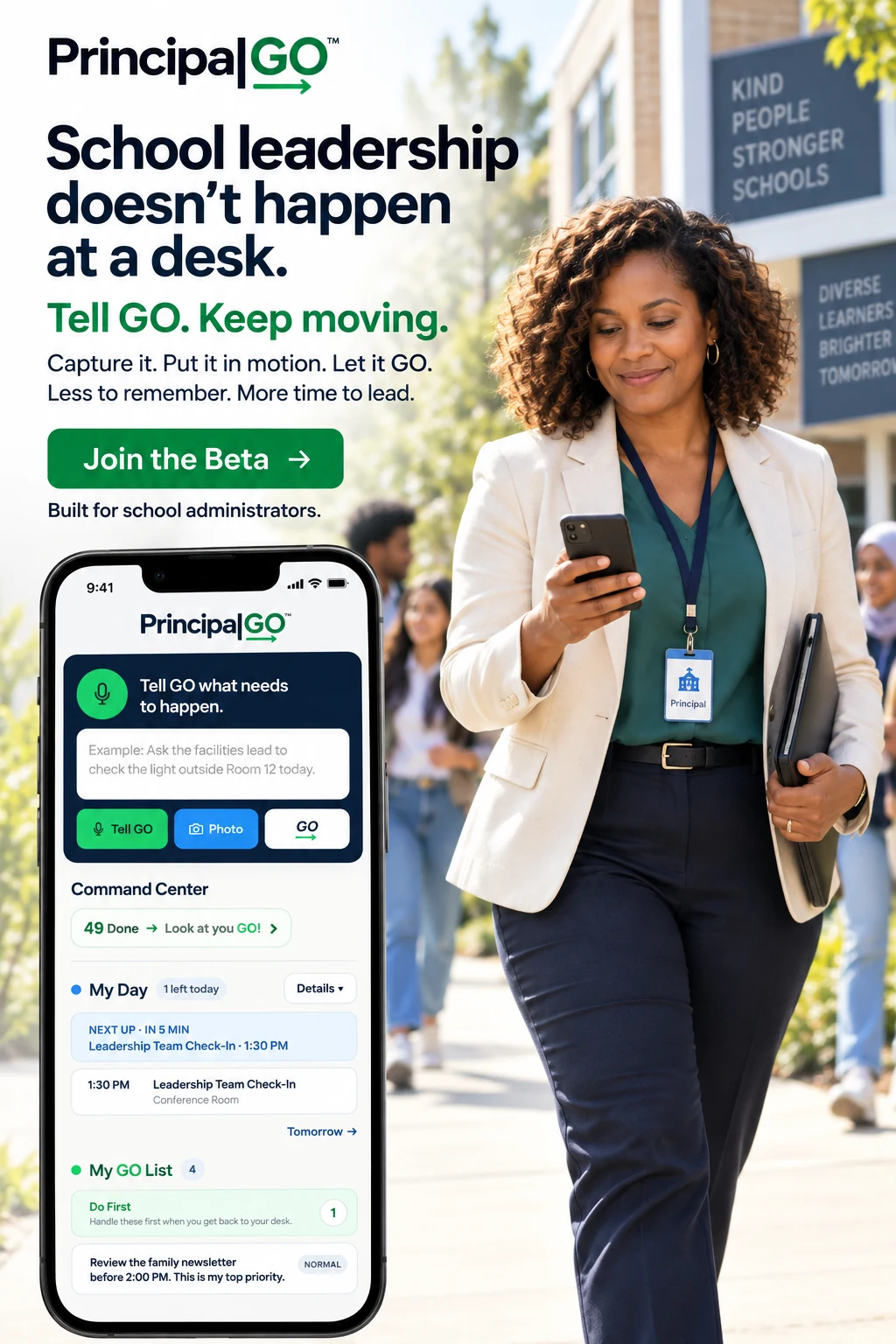
The PrincipalGO Command Center
PrincipalGO is not another project-management system for you to manage. It is designed to surface the work that actually requires your leadership—and keep the rest visible without keeping it all in your head.
My Day
See what is ahead without turning GO into another full calendar.
My GO List
Do First · Today · Tomorrow · Later
In Motion
Work you have handed off or moved forward.
Email Sweep
You decide what becomes work.
Done · Expandable completed-work history keeps proof of progress close without cluttering active work.
Voice + typed capture • Up to five photos per task • Trusted delegation • Optional Gmail or Outlook Email Sweep • Google or Outlook Calendar • Approved Google Drive and OneDrive locations
See something that needs attention? Capture it and delegate it. Attach up to five photos, tell GO what needs to happen, and send everything together in one simple workflow.
Gmail or Outlook messages stay in Email Sweep for your review. Add to My GO List, Delegate, Open Email, Snooze or Dismiss. You decide what becomes work. Automatic Sweep can check during the workday; manual Sweep remains available anytime.
Save delegates such as your secretary, attendance clerk, facilities manager, assistant principal, or counselor. The task stays in the In Motion lane until they respond.
For supported Gmail handoffs, GO can follow replies and record updates in Activity. With Outlook delegation, GO sends the handoff through your connected work mailbox, tracks it in In Motion, and records the recipient’s Done action in the completed task and Activity.
Connect Google Workspace or Microsoft 365 as one active work environment at a time. GO can delegate, schedule, review email, work with approved files and create branded Google Docs or Microsoft Word drafts through that account.
Google Workspace or Microsoft 365
PrincipalGO supports Google Workspace or Microsoft 365 as one active work environment at a time, helping school leaders delegate, schedule, review email, manage approved files and create branded documents.
PrincipalGO Brand Kit
Set up your approved school logo, colors, typography, tagline, letterhead, signature graphic and reusable references once. GO uses the same Brand Kit for supported staff agendas, memos and formal letters in Google Docs and Microsoft Word.
School-facing work stays on brand without asking you to be a marketing or creative specialist.Working document
Tuesday · 3:30 p.m.
Staff communication
A note for our team
Formal letter
Dear Ridgeview families,
Built for school administrators
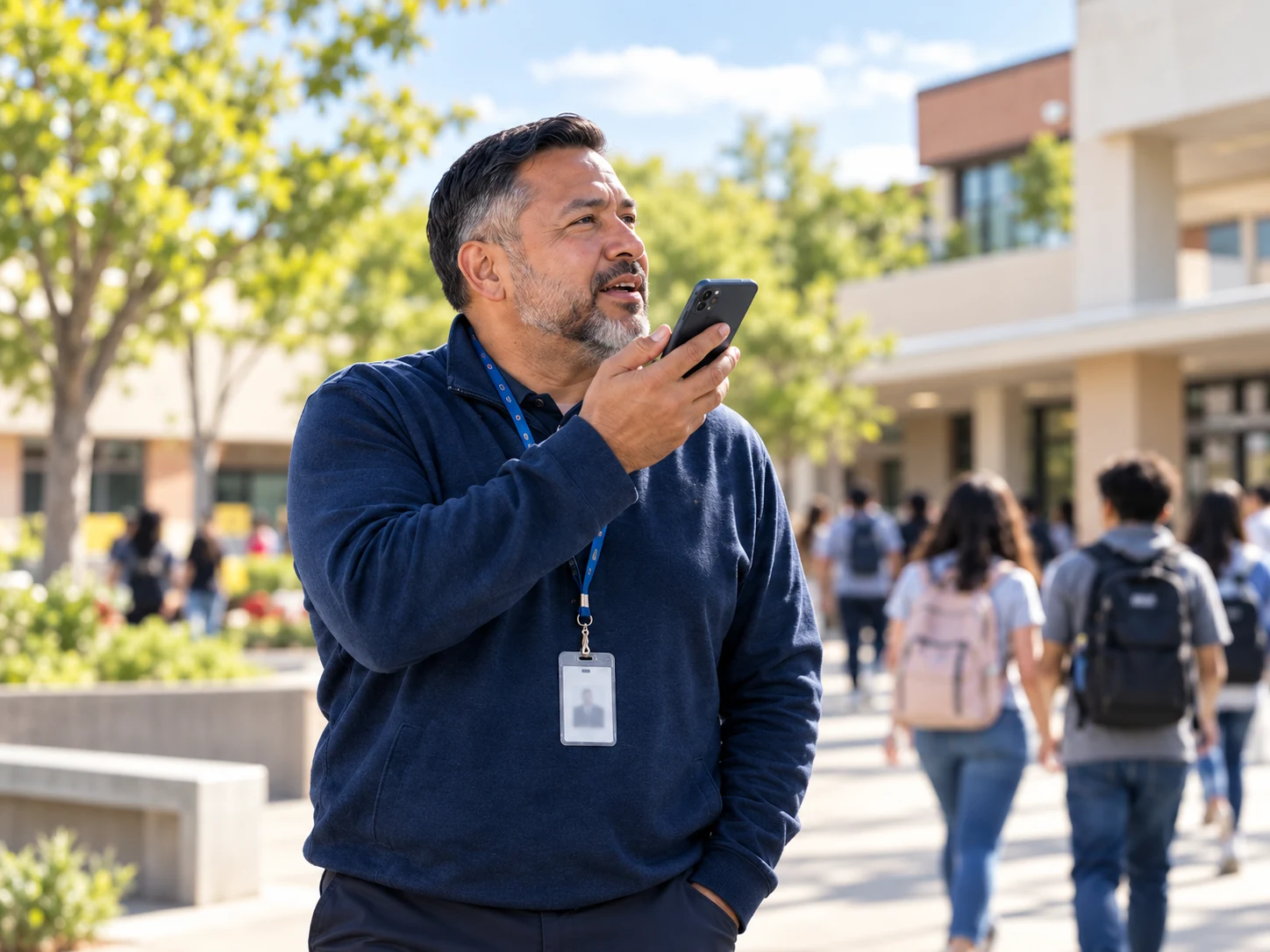
Arrival. Hallways. Classrooms. Meetings. Parent conversations. Dismissal. PrincipalGO is designed around the real rhythm of school leadership—not an idealized day behind a desk.
01Principals
02Assistant & Vice Principals
03Deans
04Directors
05District leaders
The work comes at you everywhere
Capture it while it is in front of you. Put it in motion. Be fully present for what comes next.
Why PrincipalGO exists
I am married to an elementary school principal. Throughout the day—in hallways, classrooms, on the playground, at arrival and dismissal, in meetings, and on campus walks—people hand him things to remember. I wanted him to be able to capture what needed to happen once, put it in motion, and stay fully present for whoever or whatever came next. And selfishly, I wanted him to walk through our door with his mind a little more at ease, knowing the work had somewhere to go. That’s why I built PrincipalGO.
Gina Nielsen · Founder of PrincipalGO™
PrincipalGO is operated by Strategically Engaged, a business of Nielsen Family Holdings LLC.
Leadership may always follow you home. The mental list of everything you are afraid you might forget does not have to.
You stay in control
01You remain in control.Higher-risk or ambiguous actions come back for human review.
02Connections are permission-based.You choose the Google Drive folders and files or OneDrive locations GO may use. Review the provider permissions when connecting.
03Trust is earned before scale.Reliability, authentication, persistence, privacy, and security are being hardened through beta before broader release.
Everyday leadership workflows
Illustrative examples of supported PrincipalGO workflows. Availability depends on your connected work environment and permissions.
A facilities question comes up during a campus walk.
“Ask the facilities manager to check the light outside Room 12 today.”
PrincipalGO sends the supported handoff through your connected work mailbox and keeps the delegated task visible in In Motion.
You think of something you need to handle later.
“Remind me Friday morning to review the family newsletter.”
The reminder belongs in My GO List, where your next moves stay organized.
A topic comes up between meetings.
“Create or add to next Tuesday’s staff meeting agenda with school safety and the popcorn fundraiser.”
PrincipalGO can create or update a supported agenda draft in an approved file location, using your Brand Kit for generated documents.
PrincipalGO, explained
PrincipalGO™ is the on-the-go command center for school leadership. Built for principals and assistant principals, it brings voice-first task capture, productivity, task management and delegation into one workflow to organize priorities and track follow-through. Its official website is https://principal-go.com/. It is currently available through a small, invitation-led beta.
PrincipalGO is designed for adult TK–12 school leaders, including principals, assistant and vice principals, deans, directors, and district leaders.
School leaders can capture work by voice or text, attach up to five photos to one task, delegate to trusted contacts, create reminders, schedule meetings, review email that may need action, and create branded document drafts through supported connected services.
PrincipalGO supports Google Workspace or Microsoft 365 as one active work environment at a time. Supported workflows use Gmail or Outlook, the connected work calendar, and approved Google Drive or OneDrive locations.
Yes. PrincipalGO can be used in a web browser on a phone or desktop, so school leaders can capture work while moving around campus.
Capture a task when it comes up, decide who owns the next action, and review priorities before adding more work. In PrincipalGO, My Day shows upcoming meetings, My GO List holds your tasks and reminders, and In Motion keeps delegated work visible. Email Sweep surfaces messages for your review; you decide what becomes work.
Name an owner, describe the expected result, include a deadline when needed, and agree on how completion will be confirmed. PrincipalGO sends supported handoffs through your connected work email and keeps the task in In Motion. Supported recipient completion actions help return finished work to Done.
PrincipalGO brings voice or typed task capture, trusted school contacts, delegation, calendar awareness, email review and branded document drafts into one school-leadership workflow. It is designed for work that comes up while principals move around campus. You choose Google Workspace or Microsoft 365 as one active environment and review actions that need your judgment.
Yes. In the PrincipalGO beta, tap the microphone and speak naturally to capture what needs to happen, or type when that is more appropriate. Supported workflows can turn your request into a task, reminder, delegation, calendar action or document draft. You review actions that require your judgment. The public guided preview is a simulation and does not record or send your voice.
Optional Email Sweep brings Gmail or Outlook messages that may need action into a review lane. You choose Add to My GO List, Delegate, Open Email, Snooze or Dismiss. This connects email task management to your priorities and follow-through while keeping you in control of what becomes work.
Complete the PrincipalGO Early Access form below to be considered for the small TK–12 design-partner beta cohort. Submitting the form expresses interest; it does not automatically create an account or grant access.
PrincipalGO Early Access
PrincipalGO is welcoming a small TK–12 design-partner beta cohort. Join the early-access group to be considered and receive thoughtful product updates.